Accessories and optional products
Working with the Allen & Heath ZED-10
Choose the mixer around the sources and the way the session will be operated. A small mixer should make the signal path easier to follow, with essential adjustments close to the performer or operator.
Connect the sources for the session
Start with the microphone list, then add instruments and stereo playback sources. Count the connections that must be available at the same time, including any source that is only used for one part of the programme. Keep labels visible and arrange the cables so an operator can identify a channel quickly without disturbing neighbouring plugs during the performance or recording session.
Plan the recording workflow for your system
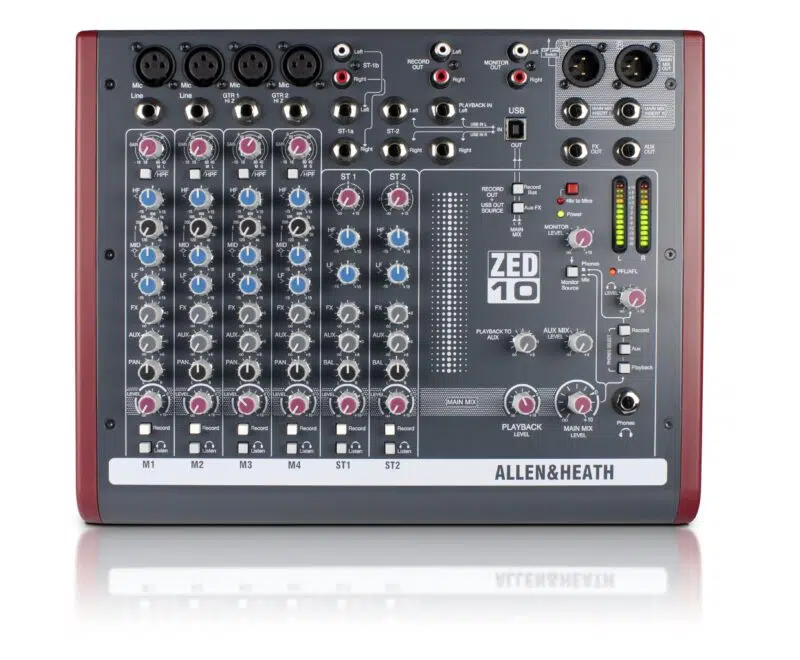
Use the USB interface for a two-channel capture of the performance or a simple computer playback connection. Do not select this model on the assumption that every microphone input will appear as a separate recorded track. Decide on the recording balance during soundcheck and check a short playback before the show. Keep the recording route clearly documented if another person will operate the system.
Set up a mix the operator can repeat
Establish the basic balance with conservative source levels before using equalisation to make further adjustments. Listen through the actual loudspeakers or headphones that will be used, not only the recording software. Since this version has no internal effects, agree whether a dry mix is appropriate or additional equipment is needed. Leave the operator a simple channel list and a clear starting position for the main output.