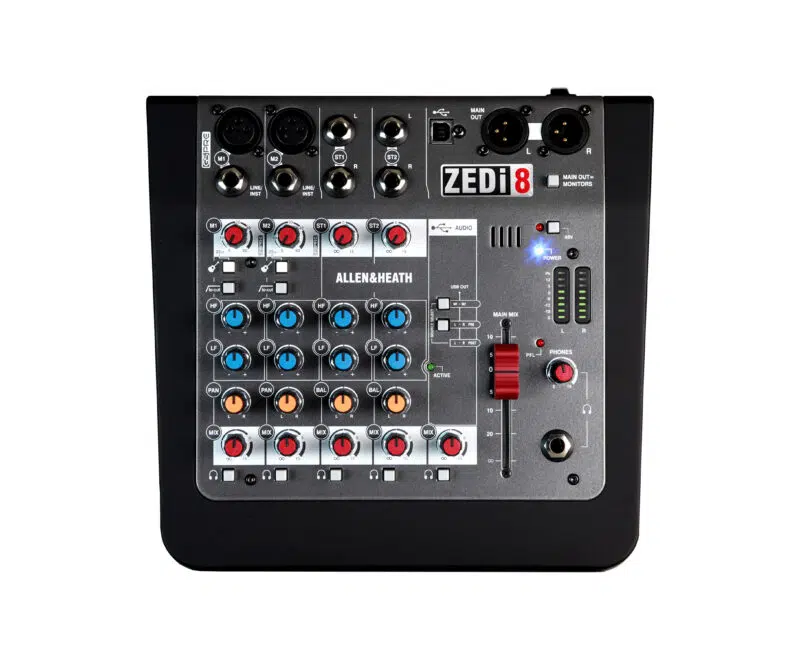
Working with the Allen & Heath ZEDi-8
Choose the mixer around the sources and the way the session will be operated. A small mixer should make the signal path easier to follow, with essential adjustments close to the performer or operator.
Connect the sources for the session
A vocal microphone, an instrument and a stereo playback source form a useful starting point for a small setup. Write down the required connections before choosing cables, and allow for the way each source will be controlled during the performance. Check whether an instrument needs the high-impedance input setting rather than treating every jack connection as the same kind of signal.
Plan the recording workflow for your system
Treat the USB connection as a two-channel recording path, not a separate track for every socket on the mixer. Decide which source or mix should reach the computer before opening the recording session. Make a short test recording and listen to the file afterwards. Include computer playback in that check so an unintended return route does not feed the recording back into itself.
Set up a mix the operator can repeat
Establish the basic balance with conservative source levels before using equalisation to make further adjustments. Listen through the actual loudspeakers or headphones that will be used, not only the recording software. Since this version has no internal effects, agree whether a dry mix is appropriate or additional equipment is needed. Leave the operator a simple channel list and a clear starting position for the main output.