Accessories and optional products
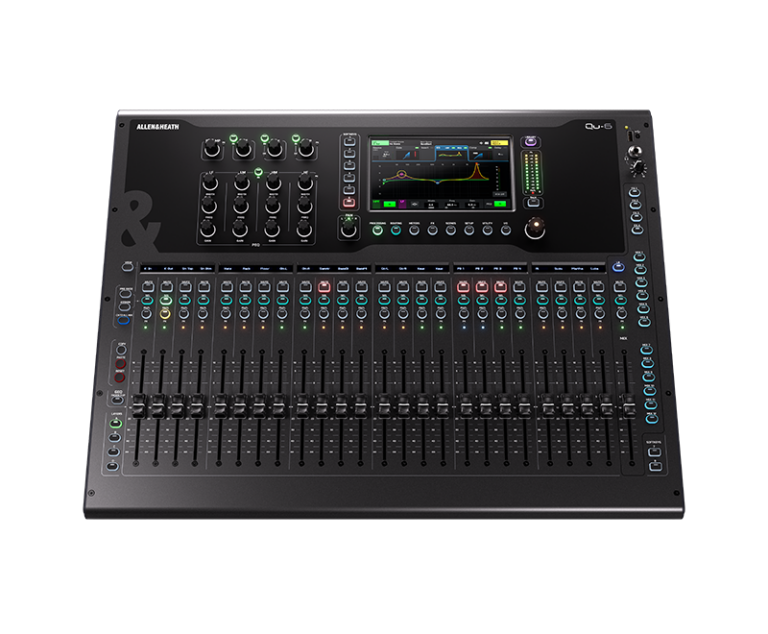
Working with the Allen & Heath Qu-6
Build the operating position around the show. The Qu-6 pairs a familiar fader-based workflow with digital routing, letting the system design address the engineer, stage connections and recording requirements together.
Choose the layout for your system
Choose this frame when the operator needs more channels in front of them without moving to the largest surface. Lay out the fader layers around the actual show: sources that need frequent adjustment should remain easy to reach, while less frequently used channels can sit on another layer.
Connect the console to the wider system
Use SLink to put compatible audio connections closer to the sources, while keeping the console at the operating position. If Dante is required by the wider installation, specify the Dante-equipped version from the outset. An Ethernet-style connector alone does not establish compatibility between different audio systems.
Prepare for recording and repeatable shows
Decide whether the production needs a computer-based recording session or capture on removable media. Check the supported recording format, sample rate and track count for the selected route before the event. Save and review the show setup, including routing and recall behaviour, so the next operator can understand how the system is intended to work. Bring the input list, monitor requirements and recording plan to XLR when discussing the configuration; together they describe the job more clearly than the console size alone.