INVENTORY Module
📦
INVENTORY (Under construction)
Here you will find a step-by-step guide for the inventory module at XLR.
Before we go forward, here is a explanation for what every operation does:
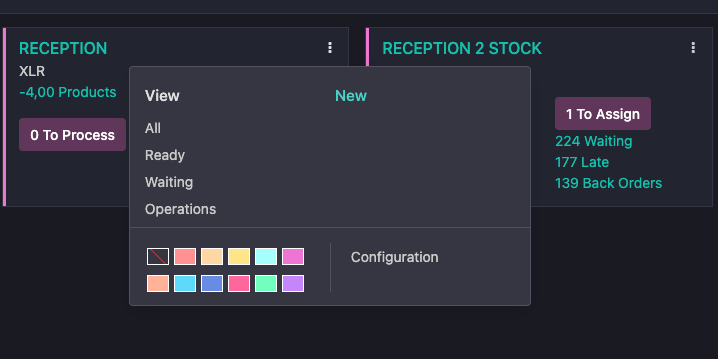
-RECEPTION: Receiving products in the reception stock
-RECEPTION 2 STOCK: Receiving products linked to a Purchase Order, and inserting them in to the Stock
-PICK: Transferring products to linked to a Sales order from the Stock to the OUT zone
-OUTGOING: Sending products to the customer and out of the stock.
-RETURN: Receiving products from the customer transferring it to the Stock
-RECEPTION DEMO: Receiving products from rentals and setting them into the DEMO stock
-DEMO OUTGOING: Sending rental products to the customer and out of the demo stock.
-Internal Transfers: Transferring products from one stock to another
STEP 1:
 .
.